WebhookMon
Webhook Debugging Guide
Verifying GitHub webhook signatures (X-Hub-Signature-256)
Short answer
When a webhook has a secret configured, every delivery from GitHub carries this header:
X-Hub-Signature-256: sha256=757107ea0eb2509fc211221cce984b8a37570b6d7586c22c46f4379c8b043e17The part after sha256= is an HMAC-SHA256, hex encoded, of the raw request body, keyed with the webhook's secret. To verify: compute the same HMAC over the exact bytes you received, prefix it with sha256=, and compare it to the header with a constant-time compare. There is no timestamp and nothing else in the signed string, so if it doesn't match, either the bytes or the secret are different from GitHub's.
Check your code against GitHub's test values
GitHub's docs publish a known-good triple you can test any implementation with: the secret It's a Secret to Everybody and the payload Hello, World! must produce the signature shown above. You can confirm it from a terminal:
printf 'Hello, World!' | openssl dgst -sha256 -hmac "It's a Secret to Everybody"757107ea0eb2509fc211221cce984b8a37570b6d7586c22c46f4379c8b043e17That's the output from the openssl that ships with macOS. Homebrew's OpenSSL 3 prints the same hex after a SHA2-256(stdin)= label. If your function returns true for this secret, payload and header, the HMAC part is right and any remaining failure is about which bytes or which secret your server sees.
Node (Express)
import crypto from 'node:crypto';
import express from 'express';

const app = express();
const SECRET = process.env.GITHUB_WEBHOOK_SECRET;

function isValidGitHubSignature(secret, rawBody, header) {
  if (typeof header !== 'string' || !header.startsWith('sha256=')) return false;
  const expected = 'sha256=' + crypto.createHmac('sha256', secret).update(rawBody).digest('hex');
  const a = Buffer.from(expected);
  const b = Buffer.from(header);
  return a.length === b.length && crypto.timingSafeEqual(a, b);
}

// express.raw, not express.json: the HMAC is over the exact bytes GitHub sent.
app.post('/github/webhook', express.raw({ type: '*/*' }), (req, res) => {
  if (!isValidGitHubSignature(SECRET, req.body, req.get('x-hub-signature-256'))) {
    return res.status(401).send('bad signature');
  }

  // Only now parse the body
  const event = req.get('x-github-event');
  const payload = JSON.parse(req.body.toString('utf8'));
  console.log(event, payload.action ?? '');
  res.sendStatus(204);
});

app.listen(3000);
The route uses express.raw, so req.body is a Buffer of the bytes GitHub sent. With express.json() in front of it, req.body is an object, and re-serializing it with JSON.stringify doesn't give back GitHub's bytes (spacing, key order and escaped characters can all differ). timingSafeEqual throws if the two buffers have different lengths, which is why the length check comes first.
Python (Flask)
import hashlib
import hmac
import os

from flask import Flask, abort, request

app = Flask(__name__)
SECRET = os.environ["GITHUB_WEBHOOK_SECRET"]


def github_signature_is_valid(secret: str, raw_body: bytes, header: str | None) -> bool:
    if not header or not header.startswith("sha256="):
        return False
    expected = "sha256=" + hmac.new(secret.encode(), raw_body, hashlib.sha256).hexdigest()
    return hmac.compare_digest(expected.encode(), header.encode())


@app.post("/github/webhook")
def github_webhook():
    raw = request.get_data()
    if not github_signature_is_valid(SECRET, raw, request.headers.get("X-Hub-Signature-256")):
        abort(401)

    event = request.headers.get("X-GitHub-Event")
    payload = request.get_json()
    print(event, payload.get("action"))
    return "", 204
request.get_data() returns the raw bytes as long as nothing has read the body before it. In FastAPI, use raw = await request.body() and the same function. In Django, request.body is the raw bytes. hmac.compare_digest is the constant-time compare; comparing bytes rather than str avoids a TypeError if someone sends a header with non-ASCII characters.
Why it fails
- The body was parsed before you hashed it. By far the most common cause. A global JSON body parser, a framework that hands you a dict, or a logging middleware that re-encodes the request all change the bytes. Sign what came off the wire, then parse.
- The wrong secret. Each webhook has its own secret: a repo webhook, an org webhook and a GitHub App's webhook are configured separately, and staging and production often use different ones. The value lives in the webhook's settings (or the GitHub App's settings for app webhooks); GitHub doesn't send it with the request. If you're not sure what's set, set a new value in both places. Watch for a trailing newline or space when the secret is pasted into an environment file.
- The header isn't there at all. GitHub only sends
X-Hub-Signature-256if the webhook has a secret configured. No secret, no header, so code that reads it getsundefinedorNone. - Checking the legacy header. GitHub also sends
X-Hub-Signature, an HMAC-SHA1 with asha1=prefix, for compatibility with old integrations. Its docs recommend the SHA-256 header. Hashing with SHA-256 and comparing toX-Hub-Signature(or the reverse) never matches. - Prefix handling. The header includes
sha256=. Either compare the whole string to'sha256=' + hex, or strip it and compare hex to hex, but don't compare a bare hex digest to the prefixed header. - Form-encoded deliveries. A webhook can send
application/x-www-form-urlencodedinstead ofapplication/json, with the JSON in apayloadfield. The signature still covers the raw body as sent, so verify before a form parser decodes it. - A proxy changed the body. If GitHub's delivery log shows one body and your server logs a different length, something in between (a tunnel, a WAF, a body-rewriting middleware) modified it.
Because nothing time-based is signed, Redeliver from GitHub's Recent Deliveries list resends a payload that verifies exactly like the original, no matter how old it is. If deliveries are failing before your code even runs, see "We couldn't deliver this payload".
The easier way: WebhookMon
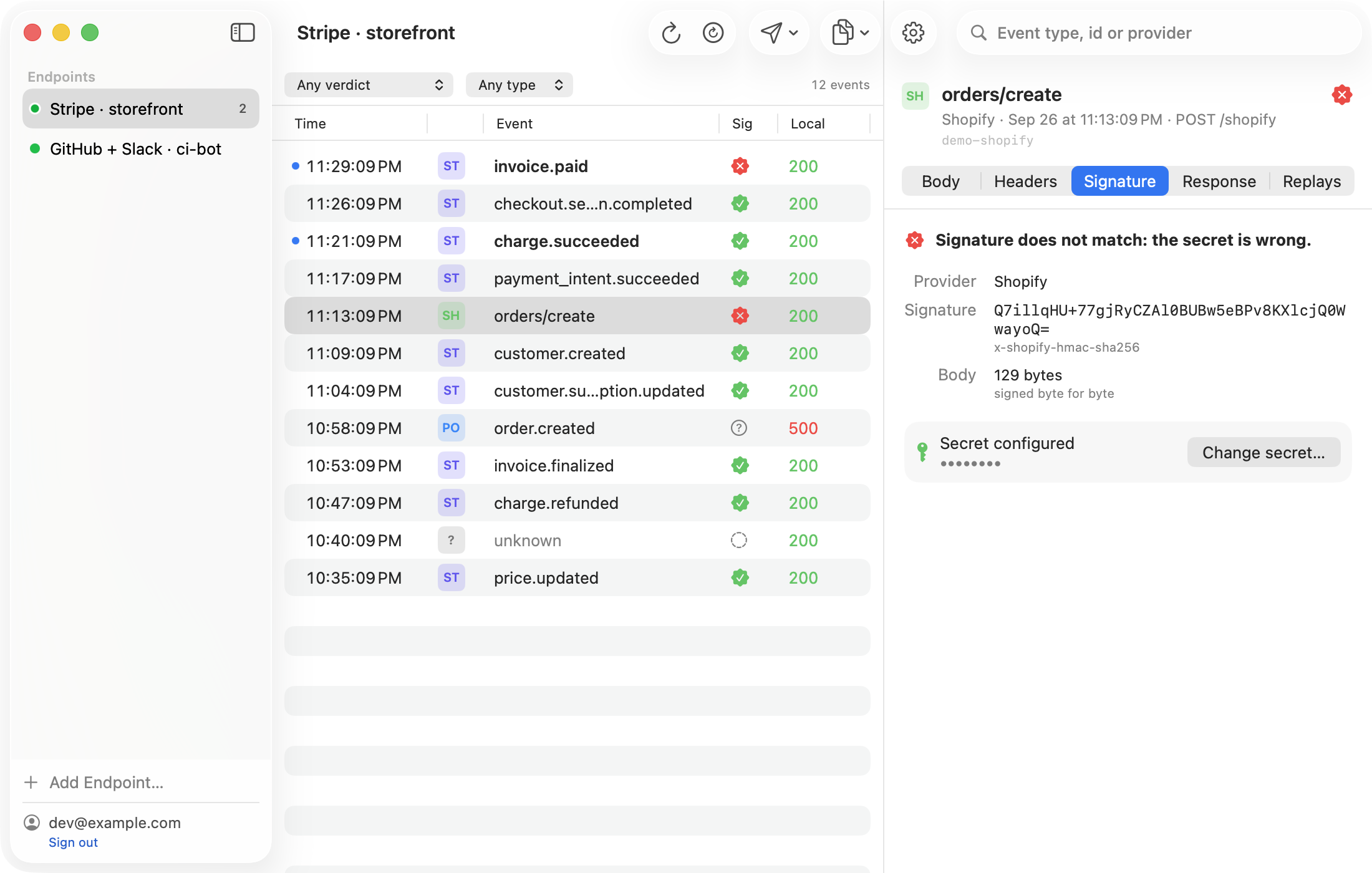
Put the webhook's secret in WebhookMon's endpoint settings and it checks X-Hub-Signature-256 on every event that reaches the relay: valid, wrong secret, a malformed header, or no signature because the webhook has no secret configured. If your handler rejects an event WebhookMon marks valid, the problem is in how your code reads the body. When you edit a body to test a change, the replay is re-signed with the secret so it still verifies. It checks the SHA-256 header only, not the legacy SHA-1 one.