WebhookMon
Webhook Debugging Guide
Verifying Svix webhooks (svix-id, svix-timestamp, svix-signature)
Short answer
Svix sends webhooks on behalf of other services: Clerk says it uses Svix, and Resend's verification docs use the same headers. Every request carries three of them:
svix-id: msg_p5jXN8AQM9LWM0D4loKWxJek
svix-timestamp: 1614265330
svix-signature: v1,g0hM9SsE+OTPJTGt/tmIKtSyZlE3uFJELVlNIOLJ1OE=
The signature is an HMAC-SHA256, base64 encoded, of {svix-id}.{svix-timestamp}.{raw body}. The key is your signing secret with the whsec_ prefix removed and the rest base64-decoded. To verify: check the timestamp is recent, compute the HMAC over the raw bytes, and compare it in constant time to each v1, entry in svix-signature. The svix package does all of that in one call, and it's the right choice unless you have a reason not to add the dependency.
With the svix library (Node)
Express, with the raw body kept for the webhook route:
import express from 'express';
import { Webhook } from 'svix';

const app = express();
const wh = new Webhook(process.env.WEBHOOK_SECRET);

app.post('/webhooks', express.raw({ type: 'application/json' }), (req, res) => {
  try {
    wh.verify(req.body, req.headers);
  } catch (err) {
    return res.status(400).send(`invalid webhook: ${err.message}`);
  }

  const event = JSON.parse(req.body.toString('utf8'));
  console.log(event.type);
  res.sendStatus(204);
});

app.listen(3000);
Next.js App Router: read the body with req.text(), and pass the headers as a plain object.
import { Webhook } from 'svix';

export async function POST(req) {
  const payload = await req.text();
  const headers = {
    'svix-id': req.headers.get('svix-id') ?? '',
    'svix-timestamp': req.headers.get('svix-timestamp') ?? '',
    'svix-signature': req.headers.get('svix-signature') ?? '',
  };

  try {
    new Webhook(process.env.WEBHOOK_SECRET).verify(payload, headers);
  } catch (err) {
    return new Response(`invalid webhook: ${err.message}`, { status: 400 });
  }

  const event = JSON.parse(payload);
  console.log(event.type);
  return new Response(null, { status: 204 });
}
Don't pass req.headers from a Fetch API Request straight to verify(). It's a Headers instance, the library reads it as an empty object, and every request fails with Missing required headers. Build a plain object as above, or use Object.fromEntries(req.headers). Express's req.headers is already a plain object with lowercase names, so it works as-is.
In the current svix package (2.x), verify() returns nothing and throws on failure. The 1.x versions returned the parsed payload. Parsing the body yourself after verify(), as above, works with both.
With the svix library (Python)
import json
import os

from flask import Flask, request
from svix.webhooks import Webhook, WebhookVerificationError

app = Flask(__name__)
wh = Webhook(os.environ["WEBHOOK_SECRET"])


@app.post("/webhooks")
def webhooks():
    payload = request.get_data()
    try:
        wh.verify(payload, request.headers)
    except WebhookVerificationError as e:
        return f"invalid webhook: {e}", 400

    event = json.loads(payload)
    print(event["type"])
    return "", 204
The Python verify() lowercases header names itself, so Flask's request.headers works directly. In FastAPI, use payload = await request.body() and pass request.headers the same way.
Manual verification
If you'd rather not add the package, here's the same check by hand. Both versions were tested against the example from Svix's docs and against signatures generated by the svix library.
import crypto from 'node:crypto';

const TOLERANCE_SECONDS = 5 * 60;

// headers: lowercase header names; rawBody: Buffer of the exact request body
export function verifySvix(secret, headers, rawBody, now = Date.now()) {
  const id = headers['svix-id'];
  const timestamp = headers['svix-timestamp'];
  const signatures = headers['svix-signature'];
  if (!id || !timestamp || !signatures) throw new Error('missing svix headers');

  const ts = Number(timestamp);
  if (!Number.isInteger(ts)) throw new Error('bad svix-timestamp');
  if (Math.abs(now / 1000 - ts) > TOLERANCE_SECONDS) throw new Error('timestamp outside tolerance');

  const key = Buffer.from(secret.replace(/^whsec_/, ''), 'base64');
  const signedContent = Buffer.concat([Buffer.from(`${id}.${timestamp}.`), rawBody]);
  const expected = crypto.createHmac('sha256', key).update(signedContent).digest();

  for (const entry of signatures.split(' ')) {
    const [version, sig] = entry.split(',');
    if (version !== 'v1' || !sig) continue;
    const given = Buffer.from(sig, 'base64');
    if (given.length === expected.length && crypto.timingSafeEqual(given, expected)) return;
  }
  throw new Error('no matching signature');
}
import base64
import hashlib
import hmac
import time
TOLERANCE_SECONDS = 5 * 60
def verify_svix(secret: str, headers, raw_body: bytes, now: float | None = None) -> None:
msg_id = headers.get("svix-id")
timestamp = headers.get("svix-timestamp")
signatures = headers.get("svix-signature")
if not msg_id or not timestamp or not signatures:
raise ValueError("missing svix headers")
now = time.time() if now is None else now
if abs(now - int(timestamp)) > TOLERANCE_SECONDS:
raise ValueError("timestamp outside tolerance")
key = base64.b64decode(secret.removeprefix("whsec_"))
signed_content = f"{msg_id}.{timestamp}.".encode() + raw_body
expected = hmac.new(key, signed_content, hashlib.sha256).digest()
for entry in signatures.split(" "):
version, _, sig = entry.partition(",")
if version != "v1" or not sig:
continue
if hmac.compare_digest(base64.b64decode(sig), expected):
return
raise ValueError("no matching signature")Three details that are easy to get wrong when doing this by hand:
- The key is decoded bytes. Strip
whsec_and base64-decode what's left. Using the string afterwhsec_as UTF-8 bytes, or the wholewhsec_...string, produces a valid-looking HMAC that never matches. - There can be more than one signature. Svix's docs say the list is most commonly of length one, but could contain any number, space-separated, each with a version prefix:
Accept the request if anysvix-signature: v1,g0hM9SsE+OTPJTGt/tmIKtSyZlE3uFJELVlNIOLJ1OE= v1,bm9ldHUjKzFob2VudXRob2VodWUzMjRvdWVvdW9ldQo= v2,MzJsNDk4MzI0K2VvdSMjMTEjQEBAQDEyMzMzMzEyMwo=v1entry matches, and skip versions you don't know. Code that splits on the comma once and compares only the first value breaks the first time the header has two. - Check the timestamp, in seconds. Svix's docs leave the tolerance to you; the official libraries reject a timestamp more than five minutes in the past or the future.
svix-timestampis Unix seconds, andDate.now()is milliseconds.
What the errors mean
No matching signature found: the HMAC didn't match. Either the bytes changed (a JSON body parser ran first, or the body was re-serialized) or the secret is wrong. Each endpoint has its ownwhsec_secret, so the secret from a development instance or a different endpoint fails here. Clerk's examples keep it inCLERK_WEBHOOK_SIGNING_SECRET, Resend's inRESEND_WEBHOOK_SECRET.Message timestamp too old(ortoo new): the signature may be fine, butsvix-timestampis more than five minutes from your clock. Usually that means you re-sent a request you saved earlier. A machine with a badly wrong clock fails every request this way.Missing required headers: one of the three headers is empty. Check what you passed (theHeaders-instance trap above), and whether a proxy in front of your app drops unknown headers.
Clerk, Resend and Standard Webhooks
You don't have to call Svix directly if the provider's SDK wraps it. Clerk's docs use verifyWebhook() from @clerk/nextjs/webhooks. Resend's SDK has resend.webhooks.verify(), which takes the payload, the three svix- header values and your webhook secret, and Resend's docs show the svix package as an alternative. Resend's method still needs the raw payload, not a parsed object.
Svix's docs also note that some senders use webhook-id, webhook-timestamp and webhook-signature instead of the svix- names. That's the Standard Webhooks spec, which signs the same way. The svix library accepts either set of names, and the Polar guide covers that variant.
Where WebhookMon fits
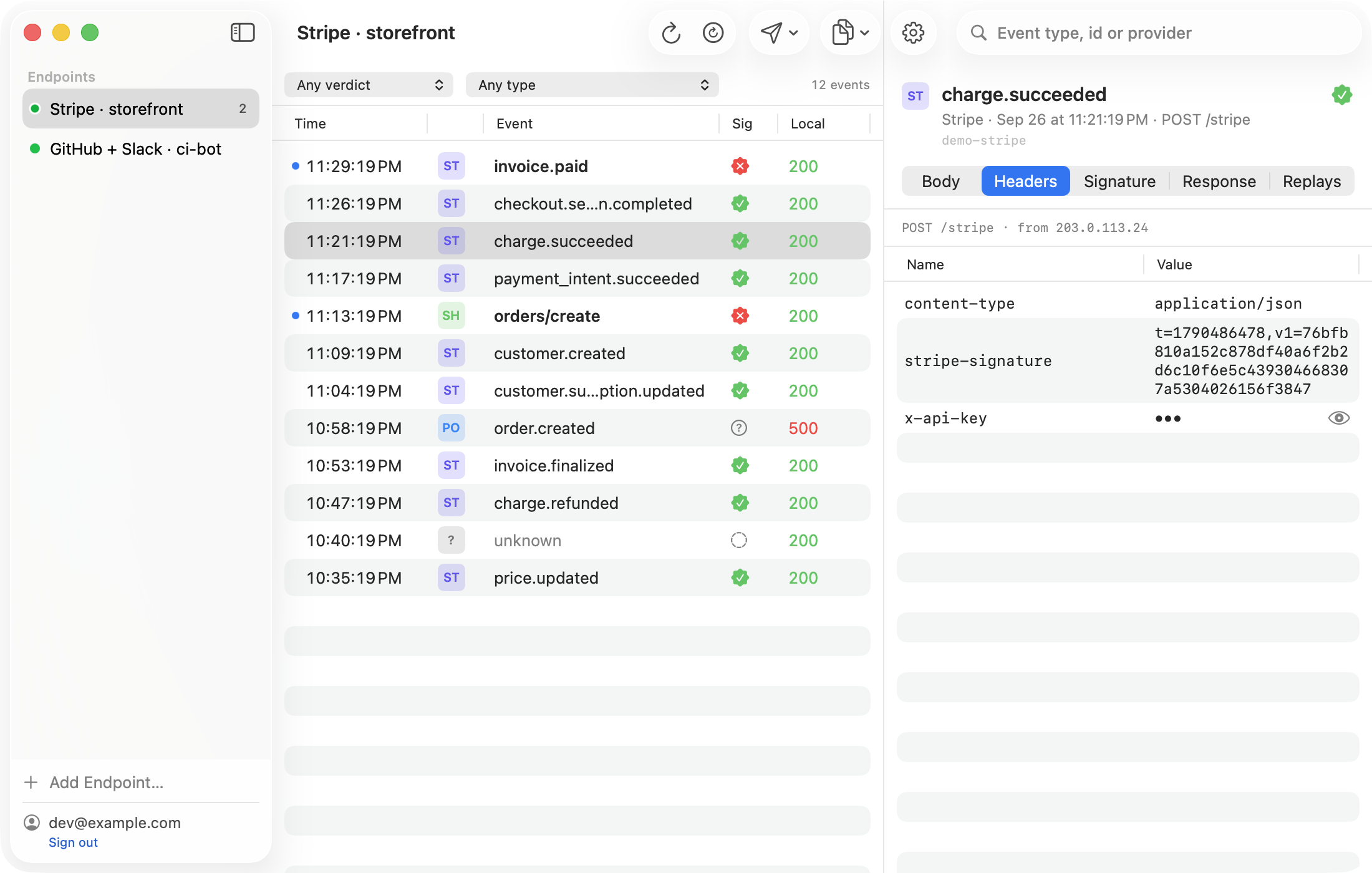
WebhookMon doesn't have a built-in Svix signature check: its verdicts cover Stripe, Polar, GitHub, Shopify and Slack, plus any sender using the Standard Webhooks webhook- headers. A Clerk or Resend endpoint still works with it for everything else. Point the provider at WebhookMon's relay URL and each event shows up with its exact body and all three svix- headers, which is the quickest way to see whether the bytes your handler hashed are the bytes that were sent. It forwards events to your local server, and replays them as captured. Because a replay keeps the original svix-timestamp, a replay more than five minutes after the event fails with Message timestamp too old unless you loosen the check in development. See the replay guide for why. If you want a Svix verdict, ask for it; requests decide what gets built next.